What Is a Desktop Water Dispenser? The Essentials
Understanding the Desktop Water Dispenser: Key Essentials
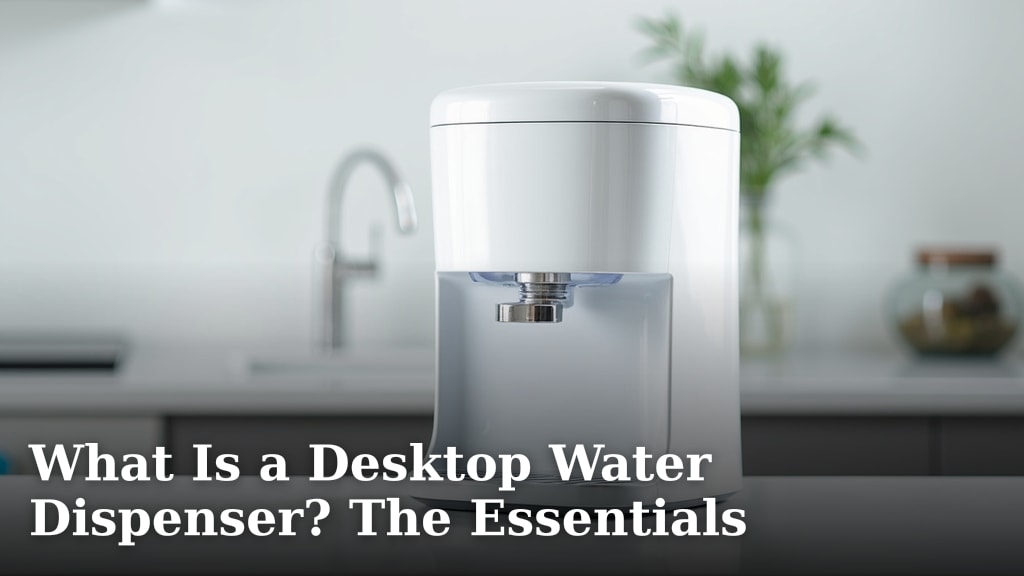
A desktop water dispenser is a small, convenient appliance you place on your desk or counter to provide filtered water on demand. Think of it as your personal hydration station. It brings the functionality of a large water cooler right to your immediate space, making it easier to drink more water throughout the day.
How Does a Desktop Water Dispenser Actually Work?
The basic mechanics are simple and reliable. You typically start by filling an internal reservoir or attaching a small water bottle. When you press a button or lever, a pump draws water through a filter. The clean water then pours into your glass or bottle. Most models use either a small 3-5 gallon bottle that sits upside down, or a refillable tank you fill from your tap.
Two Common Water Source Designs
You’ll generally encounter two main designs when shopping. Understanding the difference helps you choose based on your space and habits.
- Bottle-Top Dispensers: These hold a small water bottle, often a “3-5 gallon” size, on top. They work just like a large office cooler but on a smaller scale. They are great if you prefer using pre-filled, purified water deliveries.
- Reservoir & Pitcher Models: These have a tank you fill directly from your sink faucet. Many include a multi-stage filter. You’ll need to refill the reservoir manually, but they eliminate bottle deliveries and plastic waste.
Key Benefits: Why Put One on Your Desk?
We found that the primary appeal is sheer convenience. Having water within arm’s reach removes the biggest barrier to staying hydrated: having to get up and go to the kitchen. This simple access can lead to you drinking more water during your workday, which studies consistently link to better concentration and energy levels (CDC).
- Saves Time: No more trips to the kitchen or break room.
- Encourages Hydration: Visible and accessible water serves as a constant reminder to drink.
- Improves Water Taste: Built-in filters can improve the taste of tap water, making it more appealing.
- Reduces Plastic Waste: Models with refillable tanks help cut down on single-use plastic bottles.
What Are the Main Types of Desktop Water Dispensers?
Beyond the water source, dispensers differ in how they cool or heat water. Your choice depends on whether you want cold, room-temperature, or hot water for instant tea or coffee.
Cooling and Heating Methods
The technology inside determines both the price and the features. We’ve researched the most common types to give you a clear picture.
| Type | How It Works | Pros | Cons |
|---|---|---|---|
| Compressor Cooling | Uses a small refrigeration unit, just like a full-size fridge. | Cools water effectively to ~40°F. Great for cold water lovers. | Uses more energy, can produce a low hum. |
| Thermoelectric Cooling | Uses a cooling plate to lower water temperature. | Energy-efficient, very quiet operation. | Only cools water to about 50°F (10°C below room temp). |
| Hot & Cold Models | Combines a cooling system with a heating element. | Provides both cold water and near-boiling water for hot drinks. | Uses the most energy, may have a “child lock” for safety. |
| Room Temperature Only | Has no heating or cooling elements. | Simple, affordable, silent, and uses minimal energy. | Only dispenses water at the temperature of your room. |
Essential Features to Look For When Buying
Not all dispensers are created equal. To find the best one for your needs, pay attention to these key features. A good model should fit your space, be easy to use, and deliver water you actually want to drink.
Filter Quality and Replacement
This is arguably the most important feature for health and taste. You should check what type of filter it uses. Activated carbon filters are standard for removing chlorine and improving taste. Some advanced models include multi-stage filters that can also reduce lead, mercury, and cysts. Always check the filter’s certification (NSF/ANSI 42 or 53) and know the replacement cost and schedule.
What Does the Filter Actually Do?
A good filter provides two key benefits. First, it removes contaminants that affect taste and odor, like chlorine from municipal water. Second, it can reduce specific harmful substances. The CDC confirms that proper filtration is a proven method for improving drinking water at the point of use.
Water Temperature Options
Ask yourself: do you only want cold water, or do you frequently make tea or instant oatmeal? A hot water option adds significant convenience but also uses more electricity. If you rarely need hot water, a cold-only or room-temperature model is simpler and more efficient.
Size and Footprint
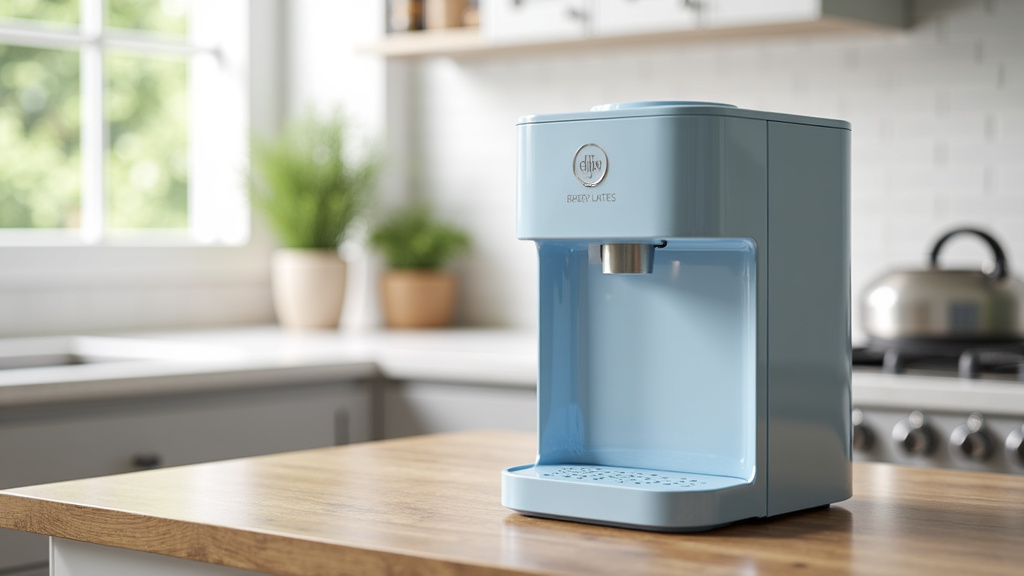
Measure your desk or counter space first. Desktop models vary widely. Some are compact cubes that take up little room, while others are taller and might have a larger base. Ensure it fits comfortably without crowding your monitor, keyboard, or work area.
Ease of Cleaning
A dispenser that’s hard to clean can become a germ hotspot. Look for models with wide openings that let you easily wipe down the reservoir. Removable drip trays that are dishwasher-safe are a huge plus. Regular cleaning prevents mold and bacteria buildup. For more on self-cleaning water dispensers, see our guide that explains the technologies and benefits.
A Quick Checklist Before You Purchase
Use this simple checklist to guide your decision. It covers the essentials we’ve discussed to ensure you pick a dispenser that truly serves you well.
- ✅ Water Source: Do you prefer bottled water delivery or refilling a tank from the tap?
- ✅ Temperature Need: Do you need cold, hot, or just room temperature water?
- ✅ Filter Specs: Is the filter certified? What does it remove, and how much are replacement filters?
- ✅ Space Check: Have you measured your intended spot to ensure a proper fit?
- ✅ Cleaning Access: Can you easily reach inside the tank or reservoir for cleaning?
- ✅ Energy Use: For cold/hot models, check the wattage if energy efficiency is a concern.
Making It a Part of Your Daily Routine
The real value of a desktop dispenser comes from consistent use. Once it’s set up, make a habit of filling your bottle or glass first thing in the morning. The accessibility helps you maintain hydration without thinking about it. We’ve found that pairing the new habit with existing ones, like filling your dispenser when you first sit down or after lunch, makes it stick. It’s a small tool that can make a noticeable difference in how you feel through the afternoon.
Maintenance Tips for Long-Term Use
To keep your dispenser working well and your water tasting fresh, regular care is necessary. The good news is it doesn’t take much time. Follow these simple steps:
- Clean Weekly: Wipe down the exterior and the drip tray.
- Sanitize Monthly: Empty the reservoir and clean it with a mild soap and water solution, or a vinegar-water mix (then rinse thoroughly).
- Replace Filters On Time: Mark your calendar for filter changes. Using an old filter is ineffective and can reintroduce contaminants.
- Empty It Before Travel: If you’ll be away for more than a day or two, empty the reservoir to prevent stagnation.
By following these essentials, you can choose and maintain a desktop water dispenser that seamlessly supports your health and convenience goals. It’s a straightforward upgrade for a more hydrated and productive day.
Conclusion
A desktop water dispenser is a compact, convenient way to stay hydrated at your desk or counter. It filters and delivers water on demand, saving you time and encouraging you to drink more throughout the day. Whether you choose a bottle-top or reservoir model, the right features like quality filtration, proper sizing, and easy cleaning will make all the difference. Start by measuring your space and deciding if you want cold, hot, or room-temperature water. Then use the checklist from this article to find a model that fits your needs and budget. Your more hydrated, productive day starts with a simple choice.
Frequently Asked Questions
How often should I replace the filter in my desktop water dispenser?
Most filters need replacing every 2 to 3 months, depending on the model and how much water you use. Always check the manufacturer’s recommendation for your specific filter. Ignoring the schedule means your water may lose its clean taste and the filter won’t remove contaminants effectively.
Can I use regular tap water in a desktop water dispenser?
Yes, most reservoir-style models are designed for tap water. The built-in filter handles chlorine and common impurities. However, if your tap water is very hard or has high mineral content, you may want to use filtered or bottled water to extend the life of your dispenser’s filter.
Are desktop water dispensers noisy?
Noise depends on the cooling technology. Thermoelectric models are very quiet since they have no moving parts. Compressor-based models can produce a low hum, similar to a small refrigerator. If noise is a concern, look for models described as “whisper quiet” or thermoelectric in the specifications.
How much electricity does a desktop water dispenser use?
It varies by type. Room-temperature-only models use almost no energy. Thermoelectric cooling models are energy-efficient, typically using around 60-80 watts. Compressor and hot-and-cold models use more, especially when the heater is active. Check the wattage rating before you buy if keeping energy costs low matters to you.
What is the difference between a desktop water dispenser and a water filter pitcher?
A water filter pitcher requires you to pour water in and wait for it to filter through gravity. A desktop dispenser delivers filtered water instantly at the press of a button. The dispenser also often includes cooling or heating features that a pitcher cannot provide. Both improve water taste, but a dispenser offers faster, more convenient access.